Adriel Velez
← Selected work

Project 04 / Desktop object

Desktop Fidget Clicker

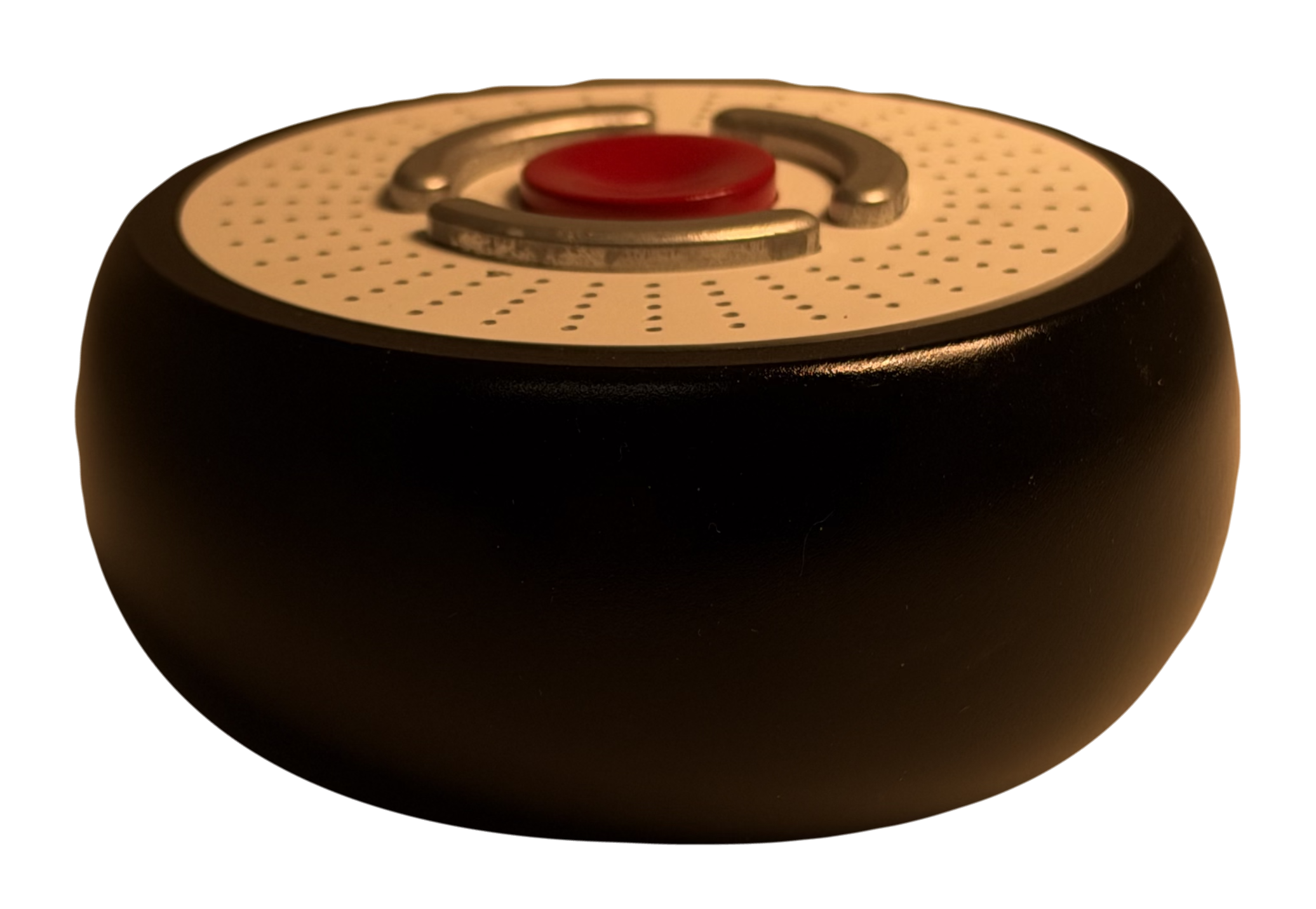
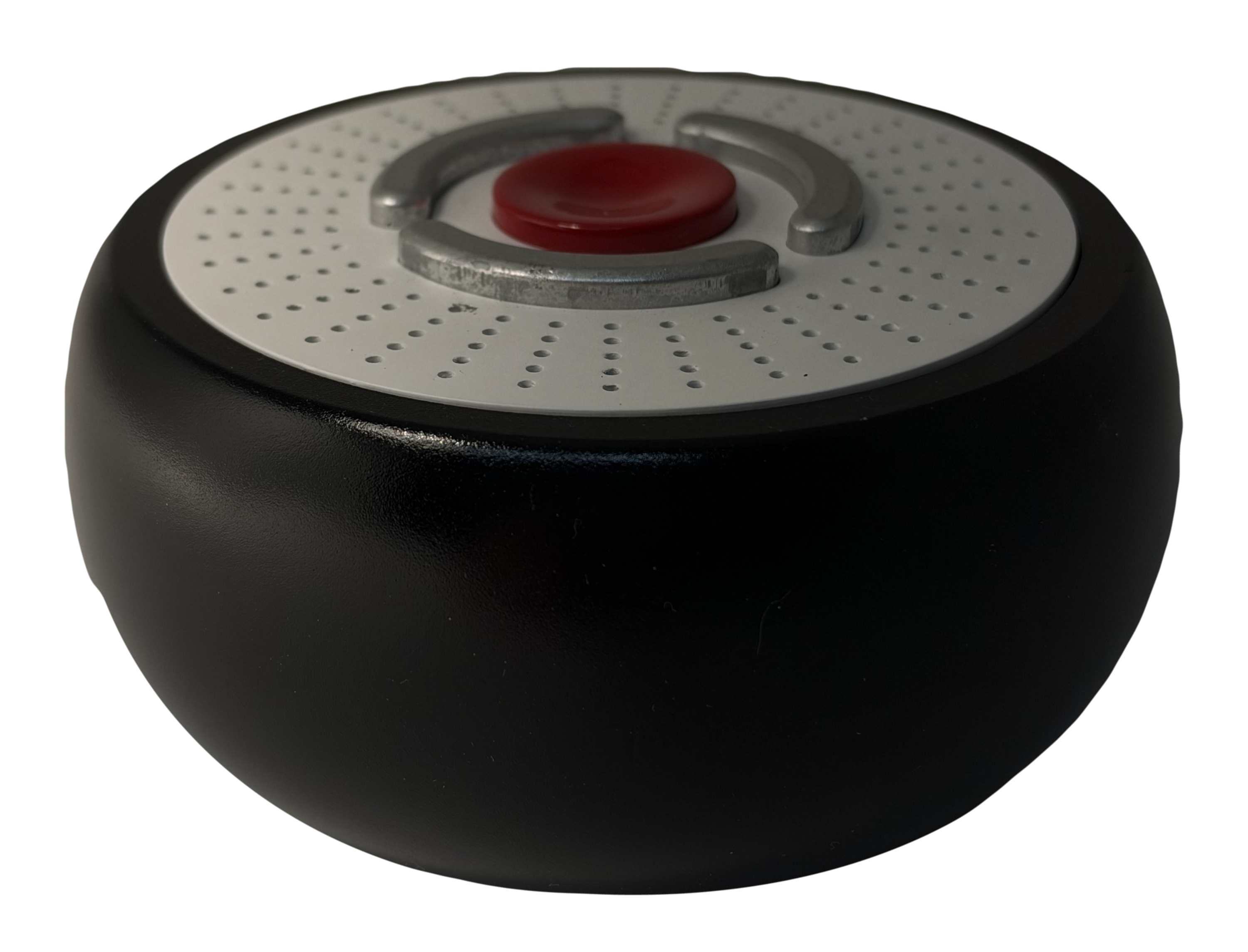
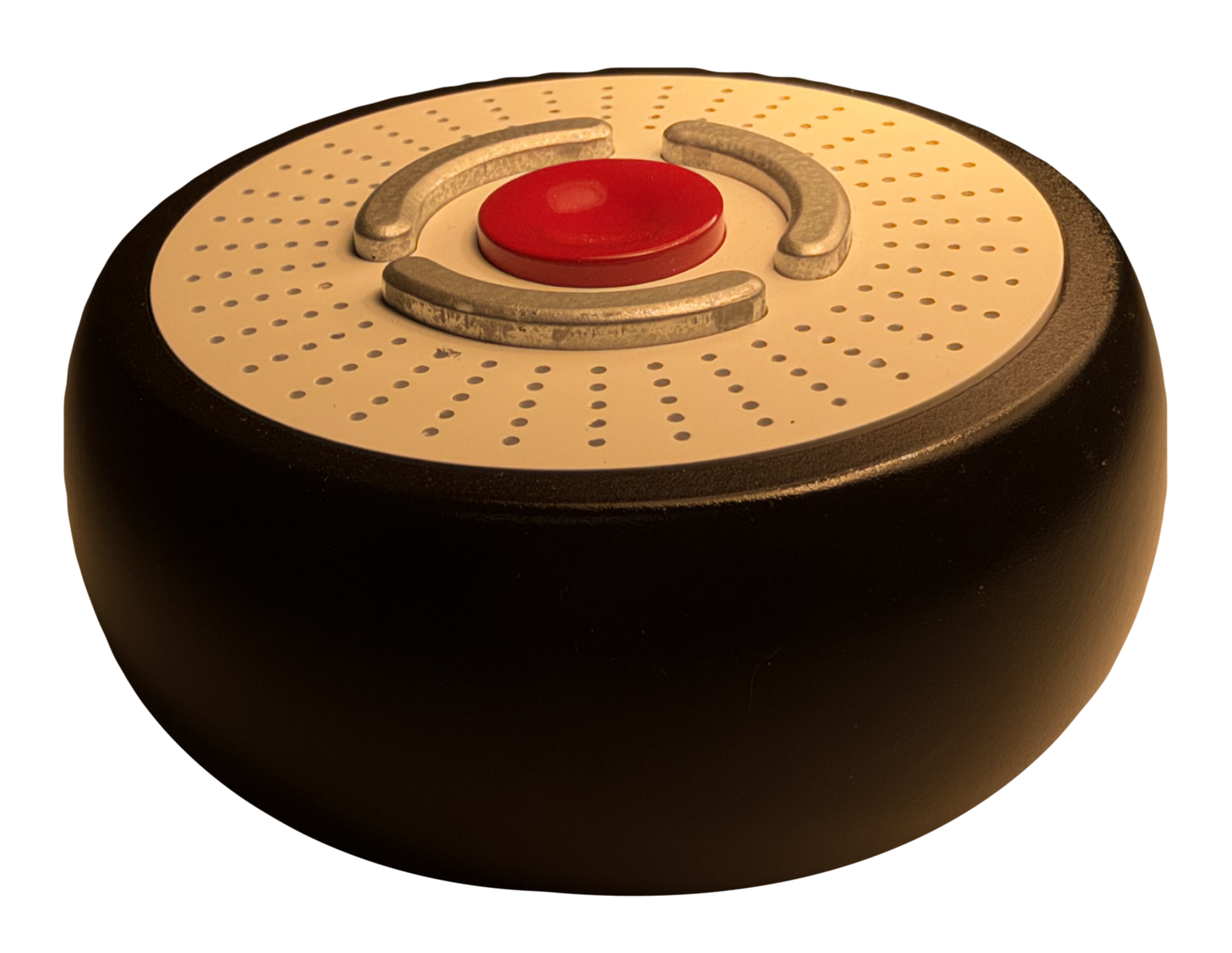
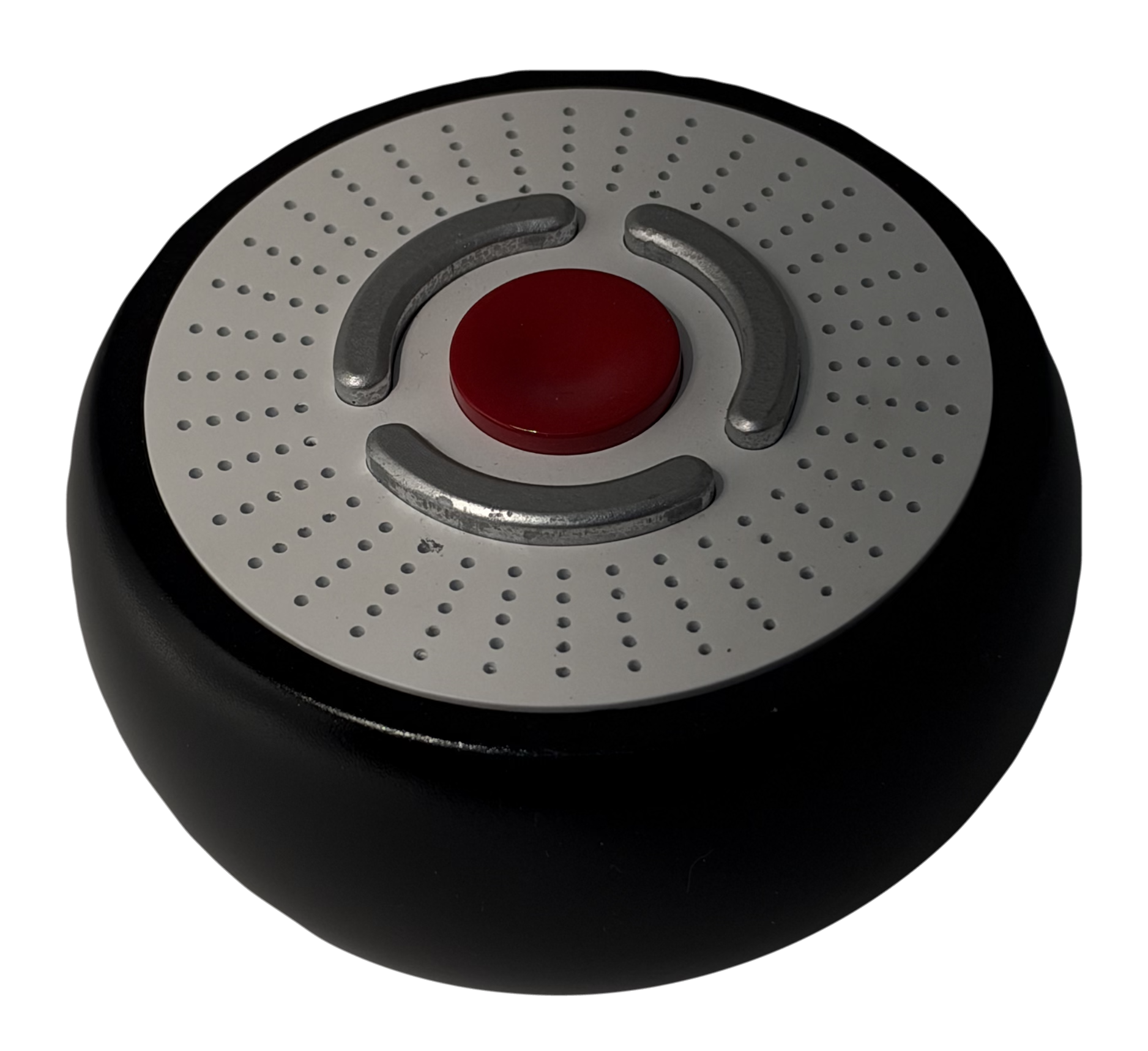
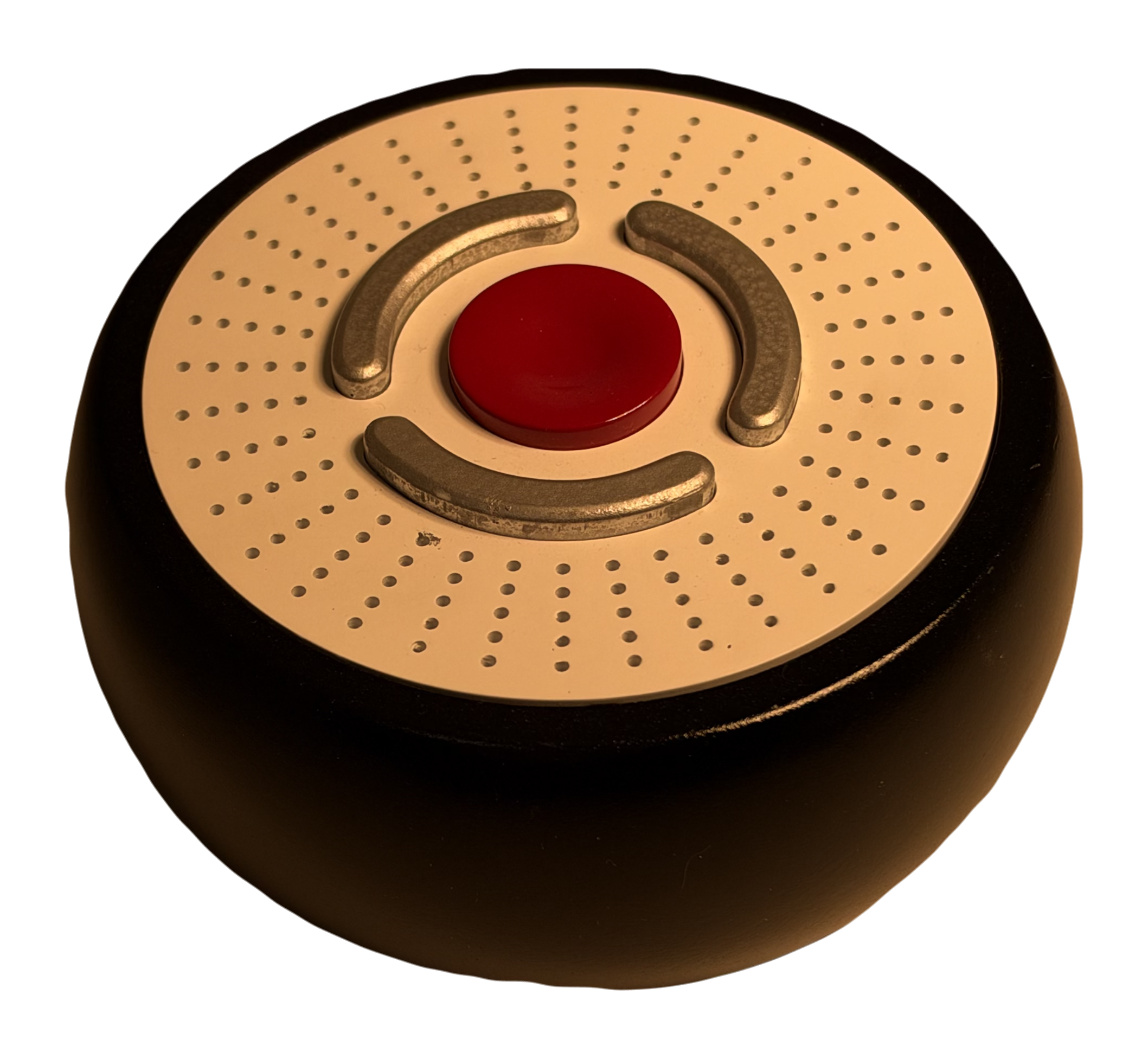
I made a desk fidget with a red center button and three curved gray buttons arranged symmetrically on a white plastic face. Watch project film

Focus
Button layout and form
Methods
OBO modeling, lathe work, CAD, 3D printing
Year
2026
Close-up of the desktop fidget with a red center button and curved gray buttons
Finished button assembly

Process

How it took shape.

  1. 01Fabrication
01 Fabrication

How I made it

I used OBO modeling to develop the design. I turned the red button on a horizontal metal lathe, then modeled the gray buttons in CAD and 3D-printed them. I used a vertical lathe to cut a recess sized to fit the faceplate and to make the hole pattern in the white plastic.
02 Why I cared

Why I cared

I wanted something I could keep on my desk and reach for during a quick break. My favorite part of the finished piece is how the three curved buttons balance around the red center.

02 Finished piece

A closer look

Project film

A closer look at the clicker

A studio film assembled from finished-piece photographs. Close-up of the button assembly, higher view of the symmetrical layout, then an angled view of the buttons.